In this guide we show how to convert OBJ files to PLY format using Aspose.3D for .NET. This C# 3D graphics library offers robust conversion and manipulation features. Follow each section to build an OBJ‑to‑PLY converter programmatically.
- C# 3D Graphics Library Installation
- Convert OBJ to PLY in C# - Code Sample
- OBJ to PLY Converter - Online Tool
C# 3D Graphics Library Installation
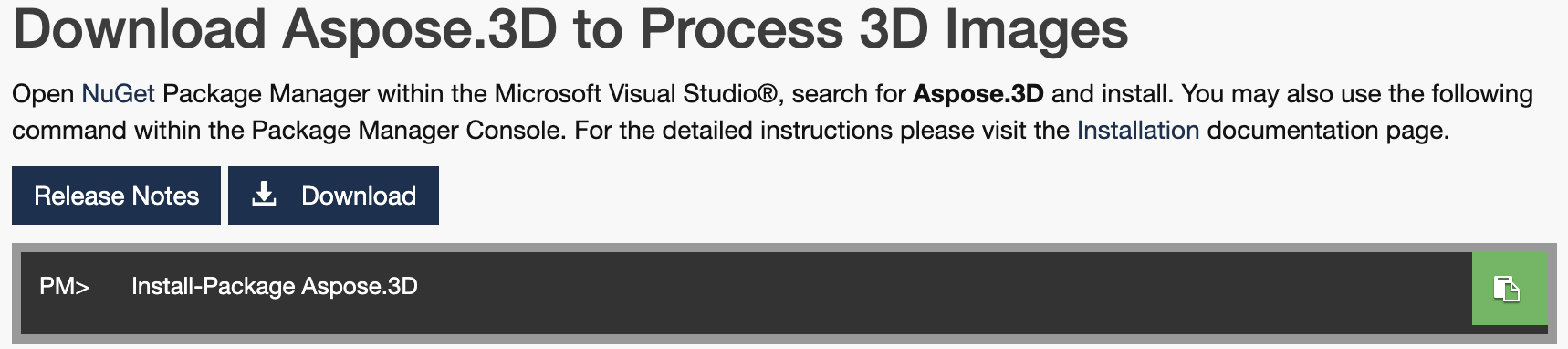
Install the .NET API via NuGet Package Manager or download the DLL file.
Install-Package Aspose.3D
Convert OBJ to PLY in C# - Code Sample
Make sure you have a source OBJ file, then follow these steps:
- Create an instance of the Scene class.
- Use the Open method to load the OBJ file.
- Instantiate a PlySaveOptions object to set export options.
- Call the Save method to write the scene as a PLY file.
The code below demonstrates the complete conversion process:
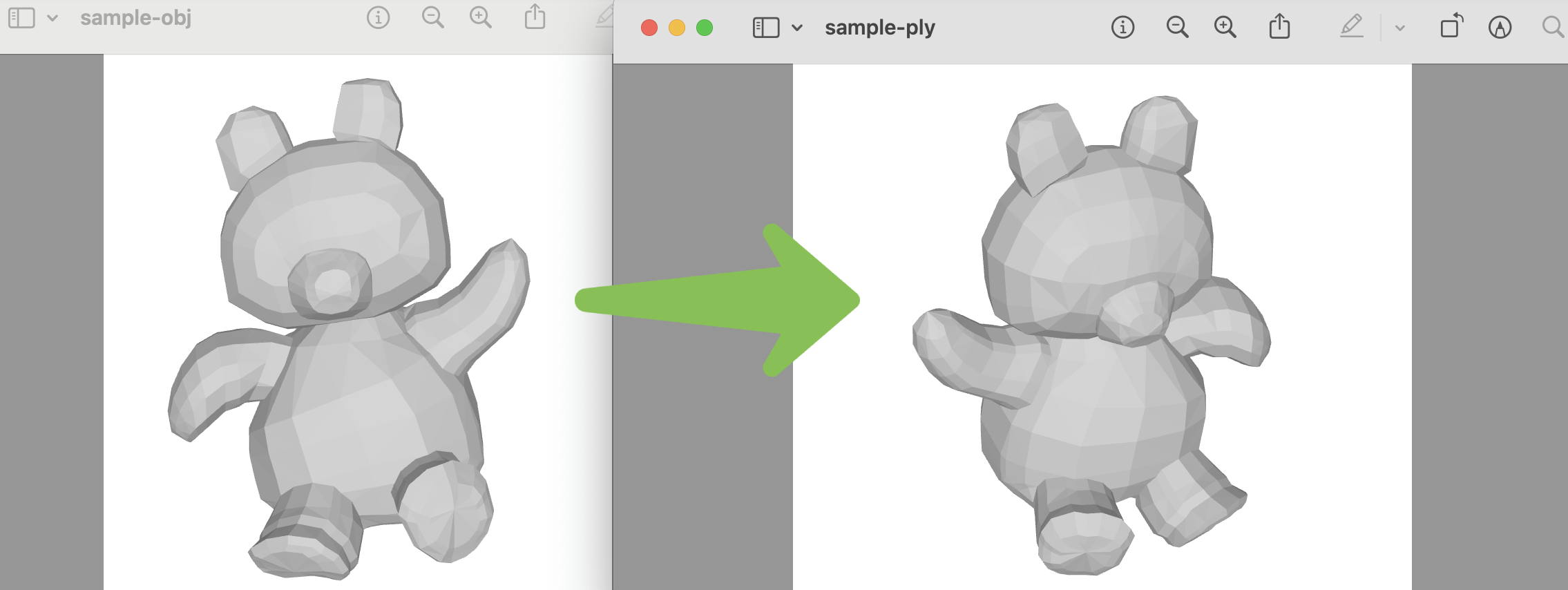
You can see the result in the image:
OBJ to PLY Converter - Online Tool
Aspose.3D also provides a free online OBJ‑to‑PLY converter. No account is required, and it works directly in a web browser.

Render 3D Models - Get a Free License
Obtain a free temporary license to try the C# 3D graphics library without evaluation limits.
Summing up
You now know how to convert OBJ to PLY in C#. This example showcases just one of the many capabilities of Aspose.3D for .NET. An OBJ‑to‑PLY converter can boost productivity in your applications. For more details, see the documentation, API references, and the GitHub repository. Stay updated at aspose.com.
Feel Free to Reach Out
Post your questions or feedback on our forum.