Looking for a reliable Python method to turn Excel workbooks into HTML pages? This guide shows the simplest and most powerful approach for converting both XLS and XLSX files to HTML using Python.
Businesses rely on Microsoft Excel to store, organize, and analyze large data sets. Yet Excel files cannot be displayed directly inside web or mobile applications. Converting Excel to HTML solves this limitation, enabling seamless integration of spreadsheet data into your apps. Below we explain how to convert Excel sheets to HTML using Python.
- Python Excel to HTML Converter
- Convert Excel Files to HTML using Python
- Convert Excel Files to HTML having Tooltips
- Online Excel to HTML Converter
Python Excel to HTML Converter API
Aspose.Cells for Python via Java provides a robust spreadsheet API that lets developers create, edit, and convert Excel files effortlessly with Python. Its built‑in Excel‑to‑HTML converter delivers high‑quality HTML output, preserving worksheet tabs for easy navigation. Install the library with pip:
pip install aspose-cells
Convert Excel XLS to HTML in Python
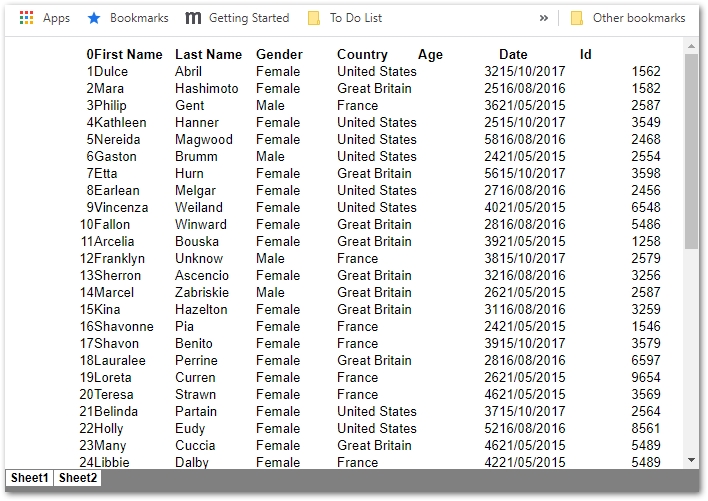
Converting XLS or XLSX files to HTML with Aspose.Cells requires only a few lines of Python code. Follow these steps to transform an Excel workbook into a web‑ready HTML file.
- Create an object of Workbook class to load the Excel file.
- Save Excel file as HTML using Workbook.save(fileName) method.
The following code sample shows how to convert an XLSX file to HTML using Python.
Excel to HTML
Python Excel to HTML with Tooltips
The API also supports adding tooltip text to the generated HTML. Tooltips appear when cell content exceeds the column width, ensuring users can see the full value. To enable this feature, use the HtmlSaveOptions class as shown below.
- Load the Excel file using Workbook class.
- Create an instance of the HtmlSaveOptions class.
- Enable tooltip text with HtmlSaveOptions.setAddTooltipText(True).
- Save the workbook as HTML using Workbook.save(fileName, HtmlSaveOptions).
The following code sample demonstrates how to convert an XLSX file to HTML with tooltip support in Python.
Online Excel to HTML Converter
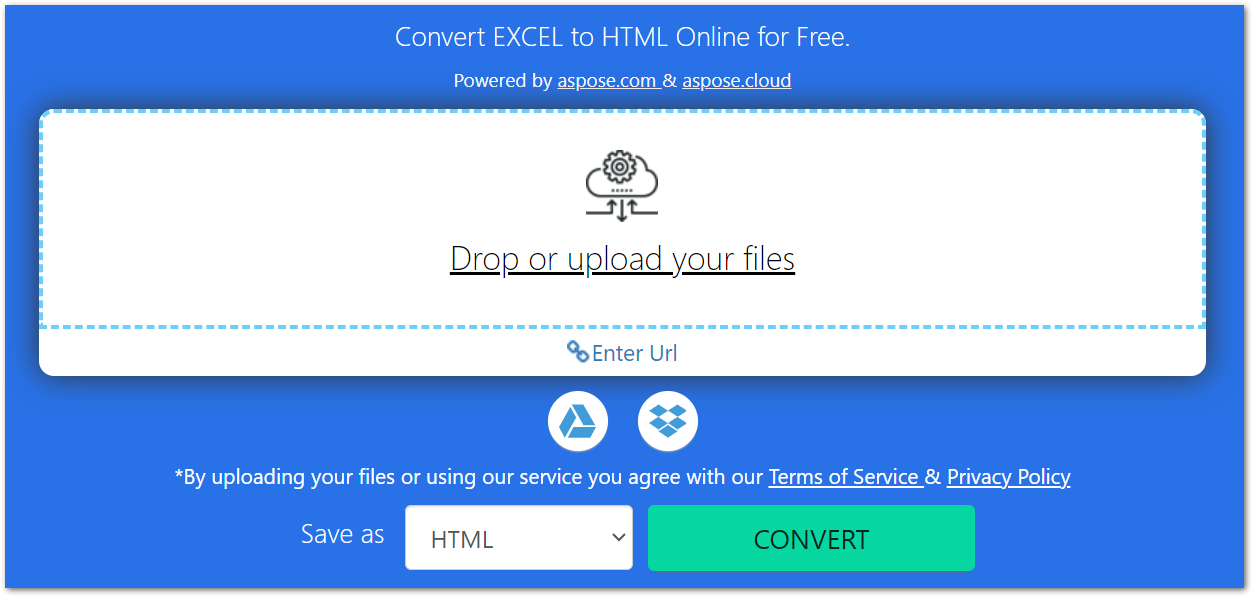
Explore our free online Excel to HTML converter, powered by Aspose.Cells. No registration required.
Conclusion
This article demonstrated how to convert Excel workbooks to HTML using Python and Aspose.Cells, including how to enable tooltips for overflow text. We also highlighted the free online Excel to HTML converter for quick conversions without writing code.
To learn more about Aspose’s Python Excel API, please visit the documentation.