Microsoft Visio is a popular diagramming and image‑processing application used for creating technical and management diagrams. VSDX is the default file format for saving drawing files. In some cases, you may need to save Visio diagrams as PNG or JPEG images programmatically. Images are easier to share when Visio files are not convenient. Converting Visio diagrams to images lets you distribute your drawings widely. In this article, we will learn how to convert Visio to image in Python.
This article covers:
- Python Visio to Image Converter – Free Download
- Convert Visio Diagram to PNG
- Convert Visio Diagram to JPG
- Save Specific Page of a Visio Diagram as an Image in Python
Python Visio to Image Converter – Free Download
To convert Visio drawings to images, we use the Aspose.Diagram for Python. The API supports creating, editing, converting, and processing MS Visio diagrams. It also simplifies handling the supported Visio file formats with easy‑to‑use properties and methods.
The API provides the Diagram class, the root of the Visio object hierarchy. Use the Save(string filename, SaveFileFormat format) method to export a diagram in a chosen format. The SaveFileFormat enumeration lets you select the output format. For rendering pages to images, use the ImageSaveOptions class.
Please either download the package or install the API from PyPI with this command:
pip install aspose-diagram-python
Convert Visio to PNG Image in Python
You can save a Visio diagram as a PNG by following these steps:
- Load the Visio file with the Diagram class.
- Call the save() method, passing the output file path and SaveFileFormat.PNG.
The code sample below demonstrates how to convert a Visio diagram to a PNG in Python.
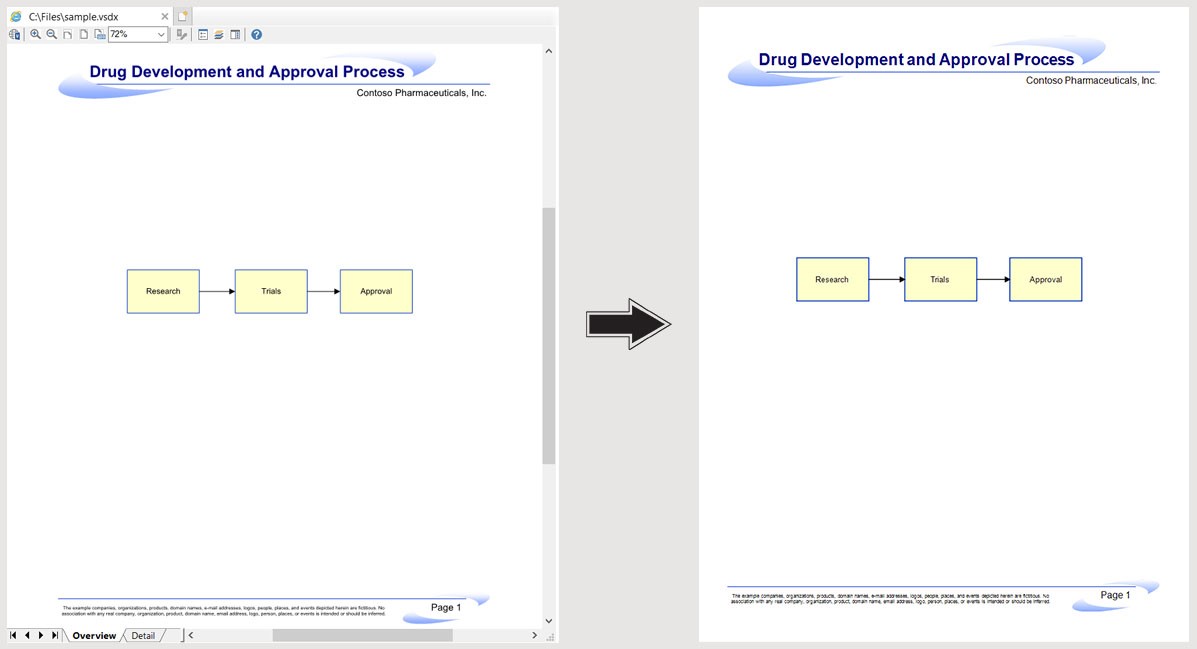
Convert Visio to PNG Image using Python.
Convert Visio to JPG Image in Python
To convert a Visio diagram to a JPG image, follow these steps:
- Load the Visio file with the Diagram class.
- Call the save() method, providing the output file path and SaveFileFormat.JPEG.
The code sample below shows how to convert a Visio diagram to a JPG in Python.
Save Specific Page of Visio as Image in Python
You can also save a particular page of a Visio diagram as an image by using image save options:
- Load the Visio file with the Diagram class.
- Create an ImageSaveOptions instance.
- Set the page_index for the page you want to export.
- Call the save() method with the output path and the ImageSaveOptions object.
The code sample below illustrates how to convert a specific Visio page to an image in Python.
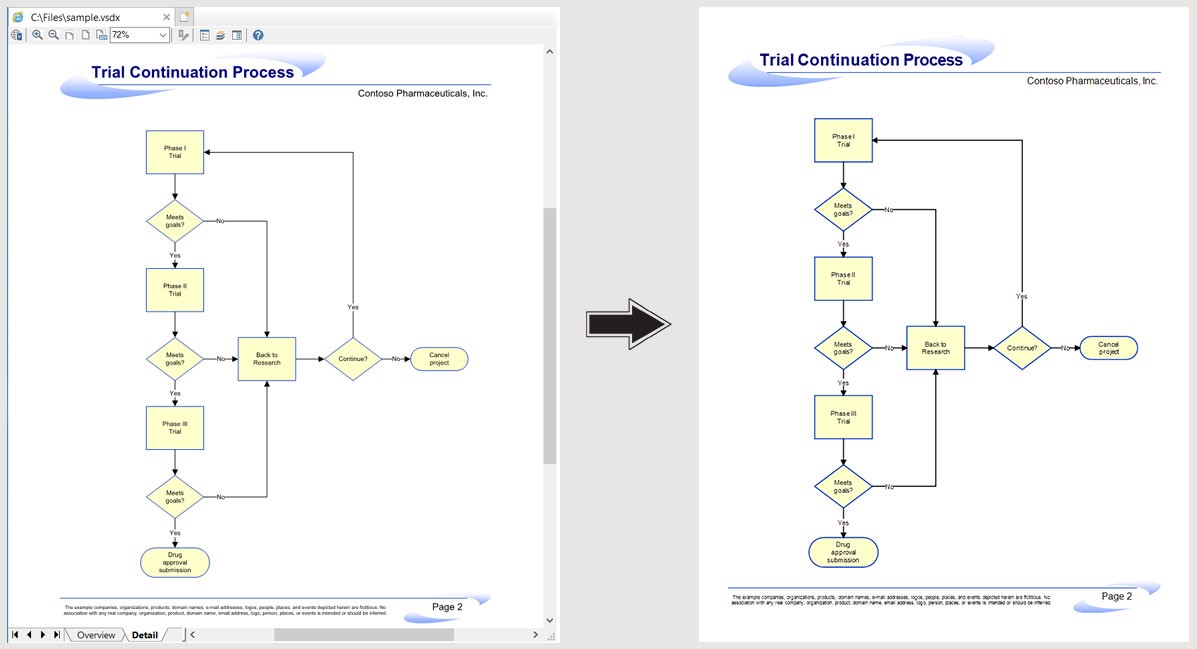
Save Specific Page of Visio as Image in Python.
Get Free Temporary License
You can get a free temporary license to try the library without evaluation limitations.
Conclusion
In this article, we covered how to:
- Load an existing Visio diagram file.
- Set image save options.
- Export Visio diagrams as PNG or JPEG/JPG images in Python.
Beyond converting Visio to image in Python, explore more about Aspose.Diagram for Python API in the documentation. For any questions, visit our free support forum.