This guide demonstrates how to convert HTML files or live web pages into PDF documents using Java and the Aspose.PDF library.

The online HTML to PDF converters let you transform single or multiple HTML pages into PDF files. When you need programmatic control, batch processing, or custom styling, a Java library or API is required. This article covers:
- HTML to PDF converter API
- HTML to PDF in Java conversion
- Convert HTML to password-protected PDF in Java
- HTML to PDF conversion using URL
- Convert HTML content to single-page PDF
HTML to PDF Java Converter API - Free Download
Aspose.PDF for Java is a robust Java class library for creating, editing, and converting PDF documents. In addition to full PDF manipulation, it offers high‑quality HTML to PDF conversion. You can download the JAR file or add the library via Maven.
Repository:
<repository>
    <id>AsposeJavaAPI</id>
    <name>Aspose Java API</name>
    <url>https://repository.aspose.com/repo/</url>
</repository>
Dependency:
<dependency>
    <groupId>com.aspose</groupId>
    <artifactId>aspose-pdf</artifactId>
    <version>19.12</version>
    <classifier>jdk17</classifier>
</dependency>
How to Convert HTML to PDF
Follow these essential steps to transform HTML content into a PDF using Aspose.PDF:
- Download and add Aspose.PDF for Java to your project (Maven or manual JAR).
- Load the HTML source – from a local file, a string, or a remote URL.
- Configure conversion options with
HtmlLoadOptions(e.g., page size, rendering mode). - Create a
Documentobject using the HTML source and options. - Save the document as a PDF file with
Document.save().
HTML to PDF Java Conversion
Convert an HTML file to PDF with Java:
- Instantiate the HtmlLoadOptions class.
- Create a Document object, passing the HTML file path and the
HtmlLoadOptionsinstance. - Call
Document.save(String)with the target PDF filename.
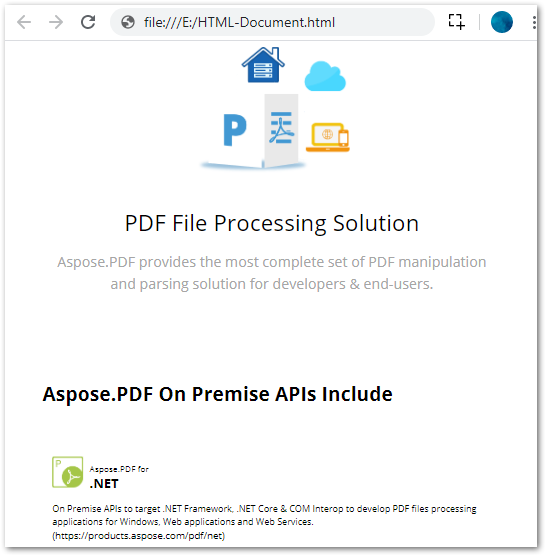
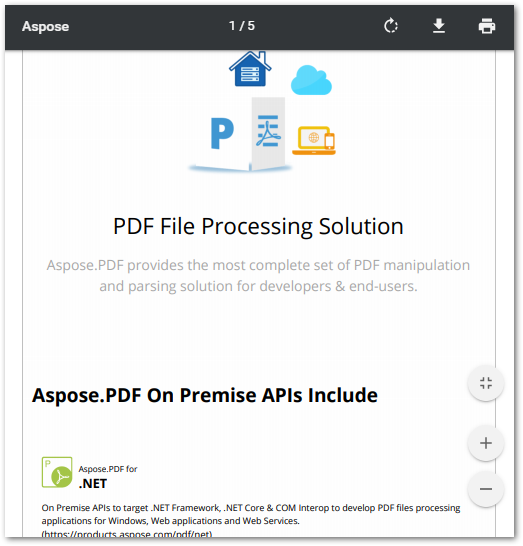
The example below shows a complete conversion from an HTML file to a PDF document.
Input HTML File
Converted PDF Document
Convert HTML to Password-Protected PDF in Java
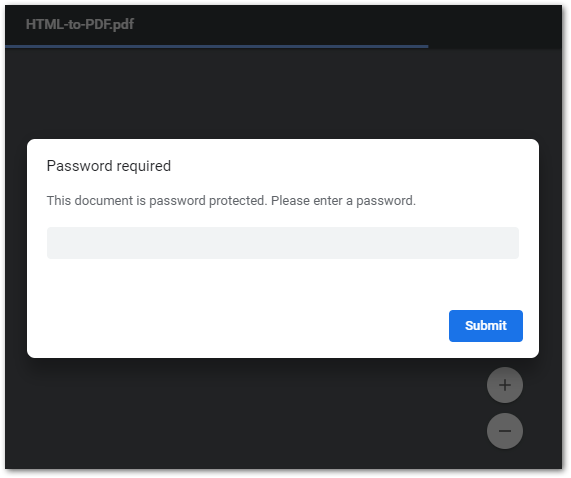
Aspose.PDF also supports encrypting PDFs generated from HTML. Use Document.encrypt() to set a user password, an owner password, permissions, and the encryption algorithm.
Output
Convert HTML to PDF using URL in Java
Convert a live web page to PDF:
- Create and initialize a
URLobject. - Retrieve the page content into an
InputStream. - Build a
Documentusing theInputStreamandHtmlLoadOptions. - Save the PDF with
Document.save().
HTML to a Single Page PDF
Render the entire HTML content on a single PDF page by enabling HtmlLoadOptions.setRenderToSinglePage(true).
Get API’s License for Free
Obtain a temporary license to evaluate Aspose.PDF for Java for free for one month.
Conclusion
This article demonstrated how to convert HTML from a file or URL to PDF using Java. The code samples cover standard conversion, single‑page PDFs, and password‑protected PDFs. Explore additional capabilities in the Aspose.PDF for Java documentation.
Related Articles
Info: Aspose also provides a Java PowerPoint API that lets you create PDFs from presentations and a free online PowerPoint to PDF Converter that demonstrates the process.