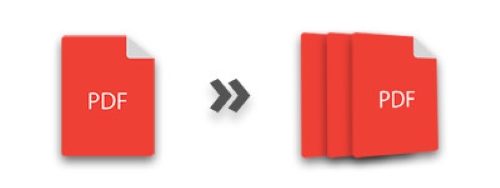
PDF files are widely used today. Often you need to split a large PDF into smaller files to share specific pages or upload them. When processing PDFs in Python, you may also need to split them. This article shows how to split a PDF in Python, covering splitting by each page or by a range of pages.
- Python Library to Split PDF - Free Download
- Split a PDF by Each Page
- Split Particular Pages of a PDF
- Online PDF Splitter Tool
Python Library to Split PDF
To split PDF files, we will use Aspose.PDF for Python. It is a feature‑rich PDF manipulation library that allows you to create, edit, and process PDF documents seamlessly. Use the following pip command to install the library in your Python application.
pip install aspose-pdf
Split a PDF by Page in Python
Different situations require different splitting criteria, such as splitting every page, selected pages, or even pages. Below is how to split a PDF by each page in Python.
- Load the PDF file using Document class.
- Iterate through the pages in the Document.pages collection.
- In each iteration, perform the following steps:
- Create a new Document object and add the page to the document using Document.pages.add(Page) method.
- Save the PDF file using Document.save() method.
The following code sample shows how to split each page in a PDF using Python.
Split Specific Pages of PDF in Python
Now see how to split multiple pages of a PDF into a separate file. Follow these steps.
- Load the PDF file using Document class.
- Create a new Document object for new PDF file.
- Iterate through the pages in the Document.pages collection.
- In each iteration, check if the page should be split.
- Add page to the new PDF document using Document.pages.add(Page) method.
- Finally, save the PDF file using Document.save() method.
The following code sample shows how to split a collection of pages in a PDF using Python.
Split PDF Files Online
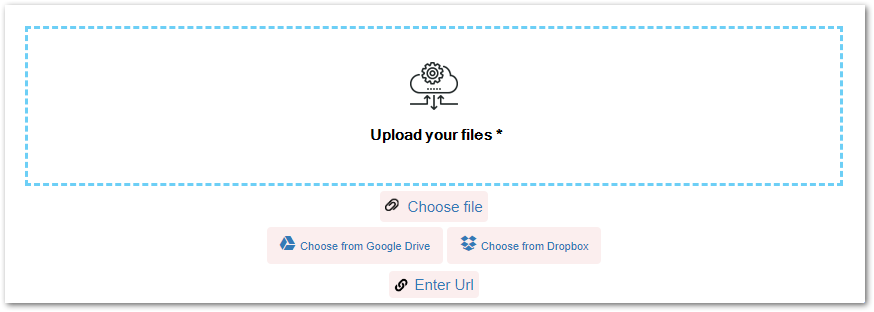
We also provide a free online tool to split PDF files, which is based on Aspose.PDF for Python.
Free Python PDF Library
You can get a free temporary license to split PDF files without any limitations. Also, you can visit the documentation to explore more about the Python PDF library.
Conclusion
In this article, you have learned how to split PDF files in Python. You have seen how to split every page or a collection of pages in a PDF to separate files. You can easily follow the provided steps and code samples to split PDF files in your Python application.